
Provider network status and benefit details matter only if enrollment is active on the date of service.
1. Check your member information
- Confirm Health First Colorado is active and review the program listed for each family member.
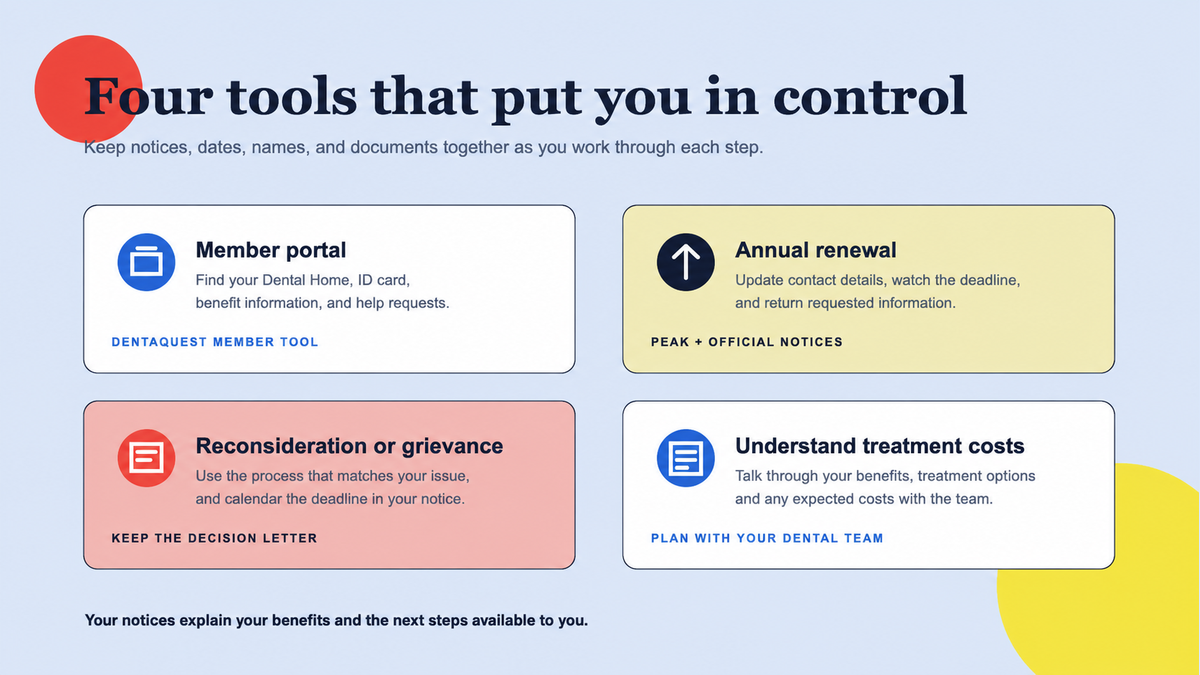
- Update your mailing address, phone number, email, and household information through PEAK when needed.
- Locate the Health First Colorado and DentaQuest member information for the person receiving care.
- Review your Dental Home in the DentaQuest member portal, if one is assigned.
- For adults or Cover All Coloradans children, ask about spending toward the current July–June annual dental limit.
2. Find and book with an enrolled dentist
- 1
Search the official directory
Use DentaQuest Find a Dentist and search near your home, school, work, or transit route.
- 2
Call to confirm
Ask whether the office is accepting new patients in the member's exact program and age group.
- 3
Explain the purpose of the visit
Say whether you need routine care, have pain or swelling, need a denture evaluation, or were referred for a specific service.
- 4
Ask about access needs
Discuss interpretation, mobility accommodations, transportation timing, anxiety, or a caregiver who needs to attend.
3. Review coverage for your recommended care
An office can be in network while a proposed service is subject to an annual limit, frequency rule, age or tooth restriction, prior authorization, or exclusion. Ask the office to check the specific procedure codes after the dentist has examined you.
For non-emergency treatment, your dental office can help complete any required authorization before care begins. If a recommended service is not covered, ask the dentist whether a clinically reasonable covered alternative exists; the right choice depends on your health, not coverage alone.
4. Coordinate Medicare or other dental insurance first
Health First Colorado says it is the payer of last resort when a member also has Medicare or other insurance. The other coverage is generally billed first, and Health First Colorado considers the claim under its own rules afterward. Ask the dental team to explain how both plans apply to the recommended service and any remaining cost.
Tell Health First Colorado about other coverage through the official process and give the dental office complete, current insurance information. Before booking, ask whether the exact provider participates with the primary plan as well as Health First Colorado and how the office will coordinate the claim.
- A Medicare card alone does not show whether a person has a separate dental benefit; check the exact Medicare or Medicare Advantage plan.
- A dentist who takes Health First Colorado may not participate with the member's primary dental plan, and the reverse can also be true.
- Ask the office which plan will be billed first and what explanation-of-benefits document may be needed.
- Ask the billing team to explain how both plans apply and what any remaining amount is for.
5. Keep the record and act on notices
- Save treatment plans, authorization notices, claim explanations, receipts, and appointment details.
- Read any denial or partial-approval notice promptly and follow its appeal instructions and deadlines.
- Check that your contact details stay current so renewal and benefit notices reach you.
- Schedule follow-up care recommended by the dentist, especially after urgent treatment or an emergency-department visit.
- Report directory errors to DentaQuest so other members receive more accurate information.
Primary sources
Verify the details that affect your care
We use official program materials and clearly identify Star Dental pages. Policies and personal benefit status can change.
- DentaQuest Health First Colorado dental plan
- DentaQuest member portal
- Health First Colorado benefits and services