
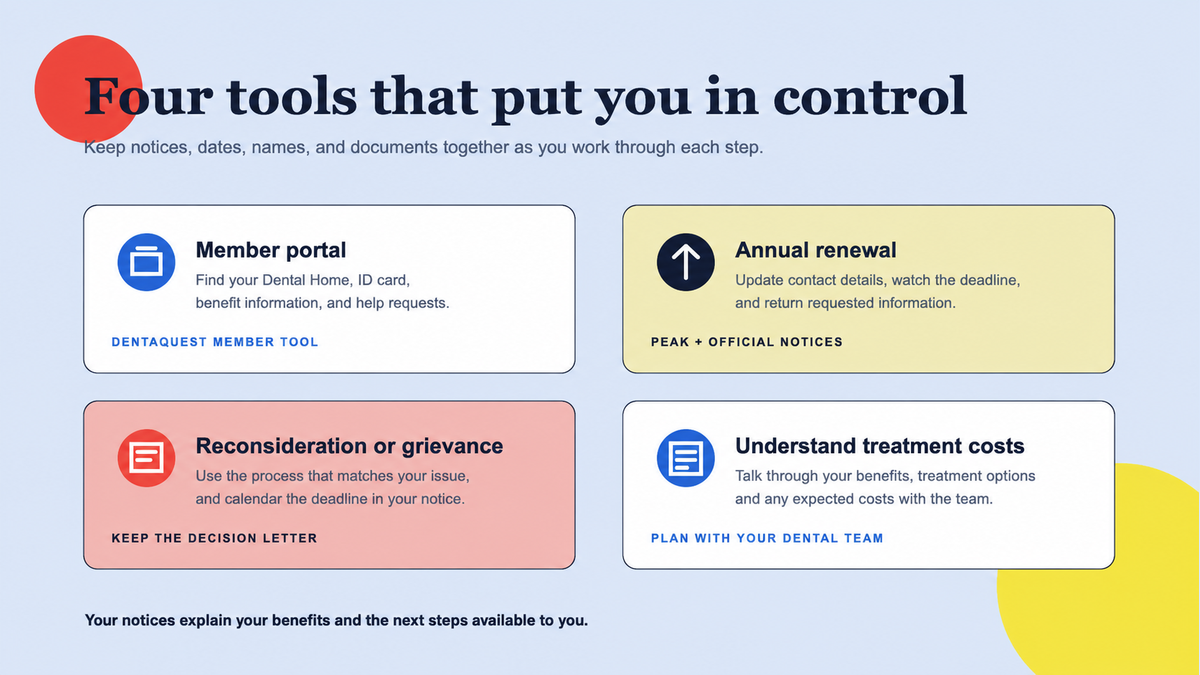
Some households renew automatically; others must review, sign, and return a packet with any requested proof by the deadline shown on their notice.
Medical and dental eligibility renew together
Health First Colorado reviews eligibility at renewal. When coverage stays active, the member can continue using the dental benefit subject to the network, age, service, frequency, annual-limit, and prior-authorization rules that apply on the date of care. A scheduled dental visit does not extend eligibility.
Colorado says renewals generally happen according to each member's renewal month. Some cases are renewed automatically from verified information already on file. If more information is needed, the state sends a renewal packet in the mail and places it in the PEAK mailbox about 60 to 70 days before the deadline.
Find the due date before gathering paperwork
The exact due date and requested documents are case-specific. Check rather than estimating from last year's date.
- 1
Check PEAK or the Health First Colorado app
In PEAK, open Manage my benefits and the health-coverage overview. Check the renewal date and To-Do items for every person in the household.
- 2
Update ways the state can reach you
Correct the mailing address, phone, email, and communication preferences. Colorado also asks members to report applicable household, income, pregnancy, marital-status, and other changes.
- 3
Open every official notice
An auto-renewal letter can still request a response about information such as income. Do not assume 'auto-renewed' means every later request can be ignored.
Complete, prove, sign, and submit
Review the prefilled information for every household member. Correct errors, fill in blank items that apply, and attach or upload every proof the packet requests. Requirements vary, so a generic document checklist cannot replace the instructions in the member's own packet.
- Submit online through PEAK or the Health First Colorado app, or follow the packet's directions for mail, fax, phone signature, or delivery to the county office.
- Sign the renewal even when nothing has changed. Colorado warns that an unsigned renewal can cause loss of coverage.
- Submit by the stated deadline and keep confirmation, screenshots, fax records, or copies of what was returned.
- Check PEAK for new To-Do items and read the eligibility decision when it arrives.
If the deadline passed or the decision looks wrong
Colorado's current FAQ describes a 90-day reconsideration period after coverage ends for a missed renewal. During that period, late renewal paperwork and missing documents can be submitted through PEAK or the county. After that period, a new application may be required. Ask your county about any retroactive eligibility and DentaQuest about coverage for care received during a gap.
If the state says the member no longer qualifies and the decision appears wrong, read the notice immediately. Eligibility decisions can be appealed, but the notice controls the steps and deadlines. Submitting missing verification and filing an appeal can be separate actions.
Recheck dental eligibility before treatment
- 1
Confirm active coverage for the date of service
Check PEAK or contact the state. Ask the dental office to verify eligibility again close to the appointment if a renewal was just processed.
- 2
Confirm the dental network
Use DentaQuest's provider tools and call the office to verify the exact dentist, location, plan, and new-patient status.
- 3
Confirm the proposed service
Coverage still depends on the member's program, age, clinical criteria, service history, benefit limits, and any required authorization. Your dental team can help review those details for the care you need.
Primary sources
Verify the details that affect your care
We use official program materials and clearly identify Star Dental pages. Policies and personal benefit status can change.
- Health First Colorado: Renewals
- Health First Colorado: Renewal FAQs
- Health First Colorado: Update your information
- Colorado PEAK
- HCPF: Appeals
- DentaQuest: Health First Colorado dental plan